
Appearance
Settings
Double-click the KeyPaste notification-area icon to open settings. Settings belong to the signed-in Windows user and live in %APPDATA%\LISS Technologies\LISSTech KeyPaste\settings.json. Submitted text is never stored there.
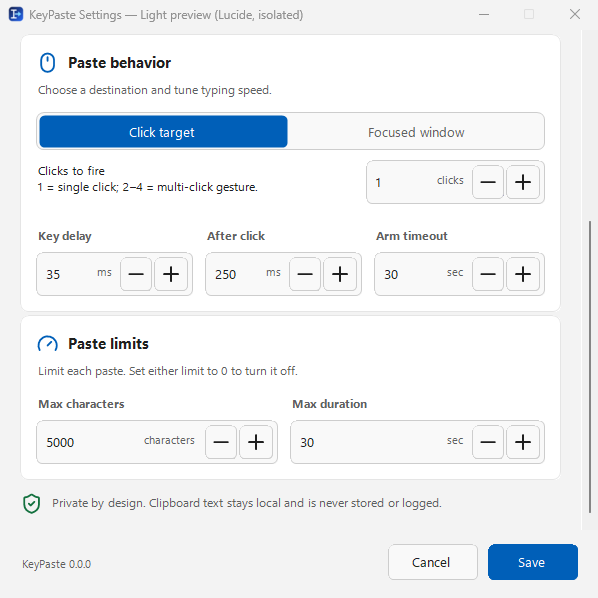
The window opens compact rather than stretching to the monitor's full width. Its 600px logical minimum width scales with Windows DPI; only a narrower display can reduce that minimum, and it is restored on a larger display. Height fits the content and is capped by the monitor's working area. You can shrink it, but cannot stretch it taller than the settings require. On a shorter display, scroll the settings pane to reach Paste limits. Save and Cancel stay visible at the bottom, and the KeyPaste taskbar button lets you return to the window after minimizing it.
Numeric settings have large − / + buttons with Lucide icons. You can also type a value directly or use the keyboard Up/Down keys while the field is focused. Each field keeps its value within the supported range.
Each section carries a Lucide icon, and Settings uses the Windows app theme (light or dark) when the window opens, including the stepper buttons and scrollbar. Change the theme in Windows Settings, then reopen Settings to see it.
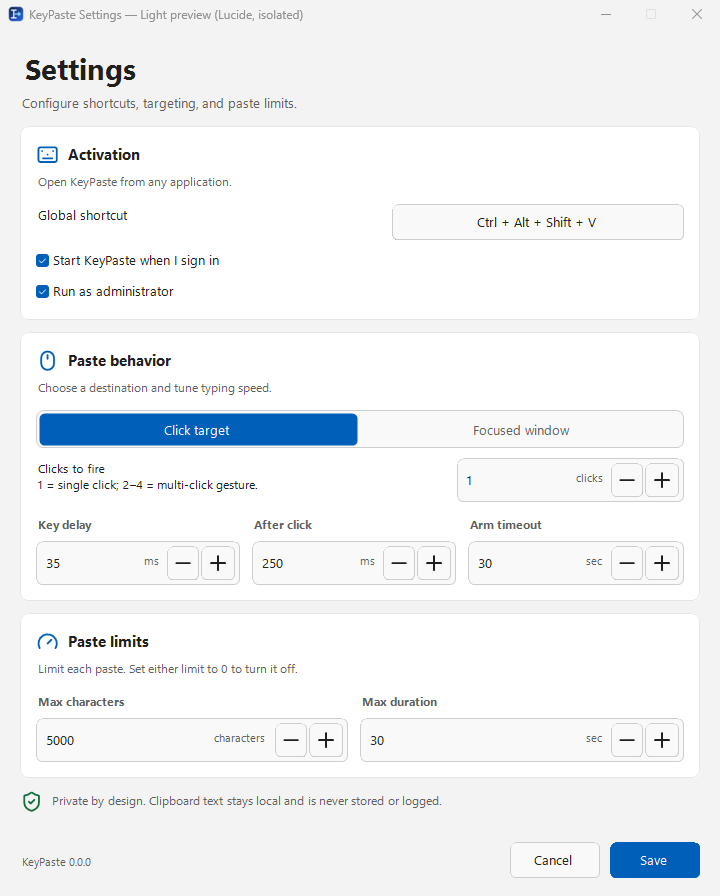
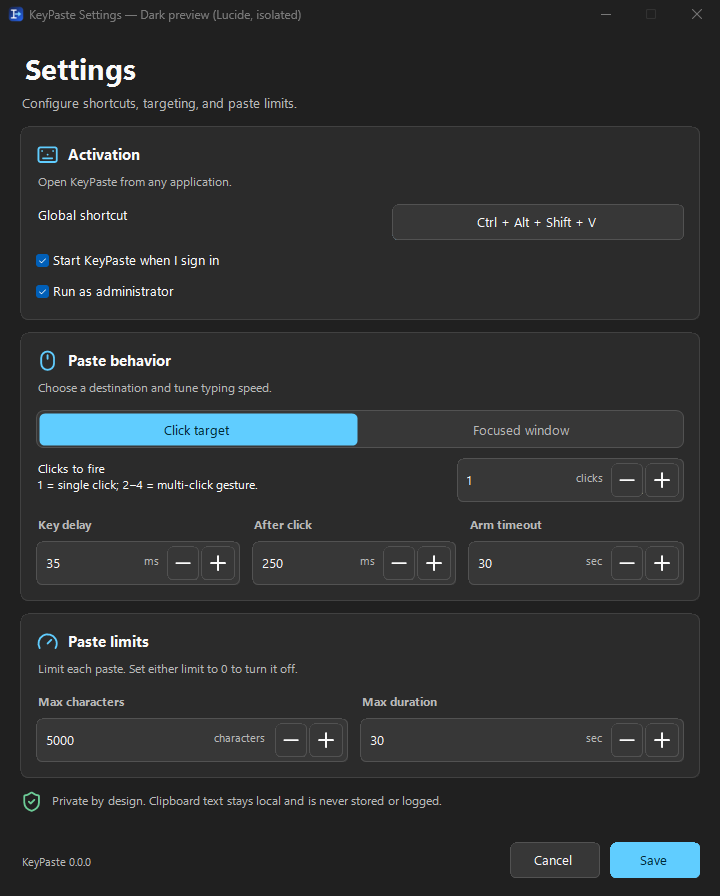
Settings in a narrow, short window
The content scrolls independently while Save and Cancel stay in the fixed footer.
| Setting | What it does |
|---|---|
| Global shortcut | Opens the command palette from another application. |
| Click target | Waits for the final target click before typing. |
| Focused window | Types into the window restored after the palette closes. |
| Clicks to fire | Allows 1–4 completed clicks, useful for console activation. |
| Key delay | Slows key events for a remote transport that misses input. |
| After click | Waits after target selection before typing. |
| Arm timeout | Cancels target selection if you do not choose a target. |
| Max characters | Blocks submit when the palette text exceeds the cap. Set to 0 to disable. Default 5,000. |
| Max duration | Cancels the typing phase after N wall-clock seconds. Set to 0 to disable. Default 30. |
| Start when I sign in | Starts KeyPaste for the current user at sign-in. |
| Run as administrator | Runs KeyPaste elevated when enabled (default). Normal launches request UAC; sign-in startup uses a per-user Task Scheduler task with "Run with highest privileges". Disable to run at normal user integrity. The installer offers the same choice. |
The notification-area menu also has Open KeyPaste and Exit. Exiting unregisters the shortcut and stops the app.